Attribute Editor
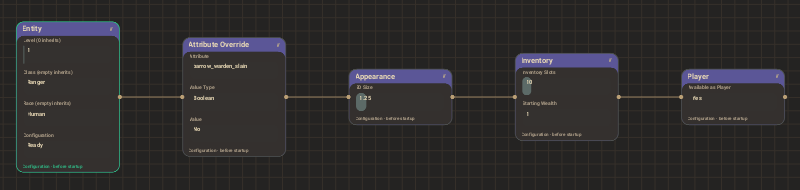
Select Entity Nodes under a character or item in the project tree to edit its initial configuration and Attributes. Character setup, equipment, and attribute values are edited in the graph; see Entity Nodes.
Project, region, screen, and widget settings use TOML editors. Open Game / Settings for the Game settings, including the tile and character appearance controls in the settings navigation.