Oct 4, 2026
Interactive Nodes Video
Retro RPG Creator
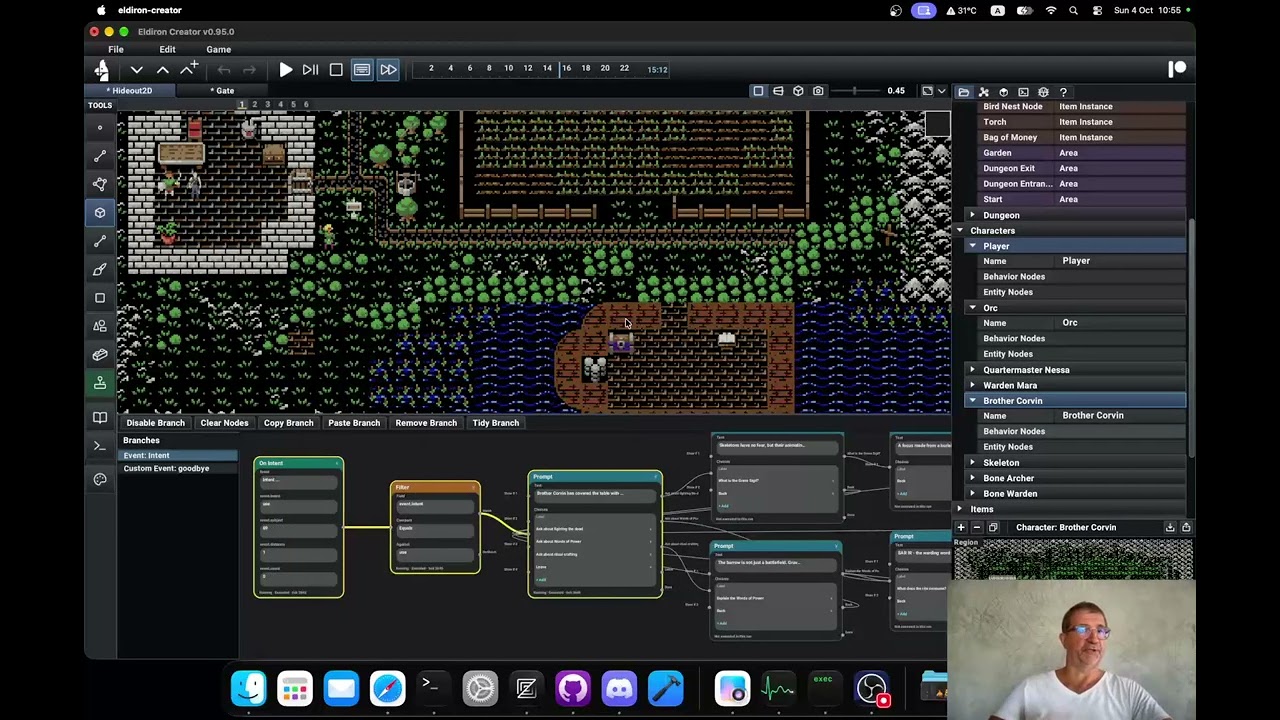
Eldiron is a game creator for classic RPGs. One editor brings together map building, tile workflows, behavior nodes, narrative authoring, and cross-platform play.
NOW AVAILABLE
Eldiron supports project-selectable ruleset packages with official fantasy rules from levels 1–10. Races, classes, actions, spells, conditions, equipment, progression, resources, and crafting share one runtime while projects remain free to extend or replace the rules they need.
Read the official rules
News
Follow the latest Eldiron releases, workflow improvements, and documentation updates as the project moves toward v1.
Oct 4, 2026
Oct 1, 2026
Create gameplay with Behavior Nodes, configure characters with Entity Nodes, and build shared wall and surface patterns. Live execution highlighting makes your game easier to follow.
Read moreSep 13, 2026
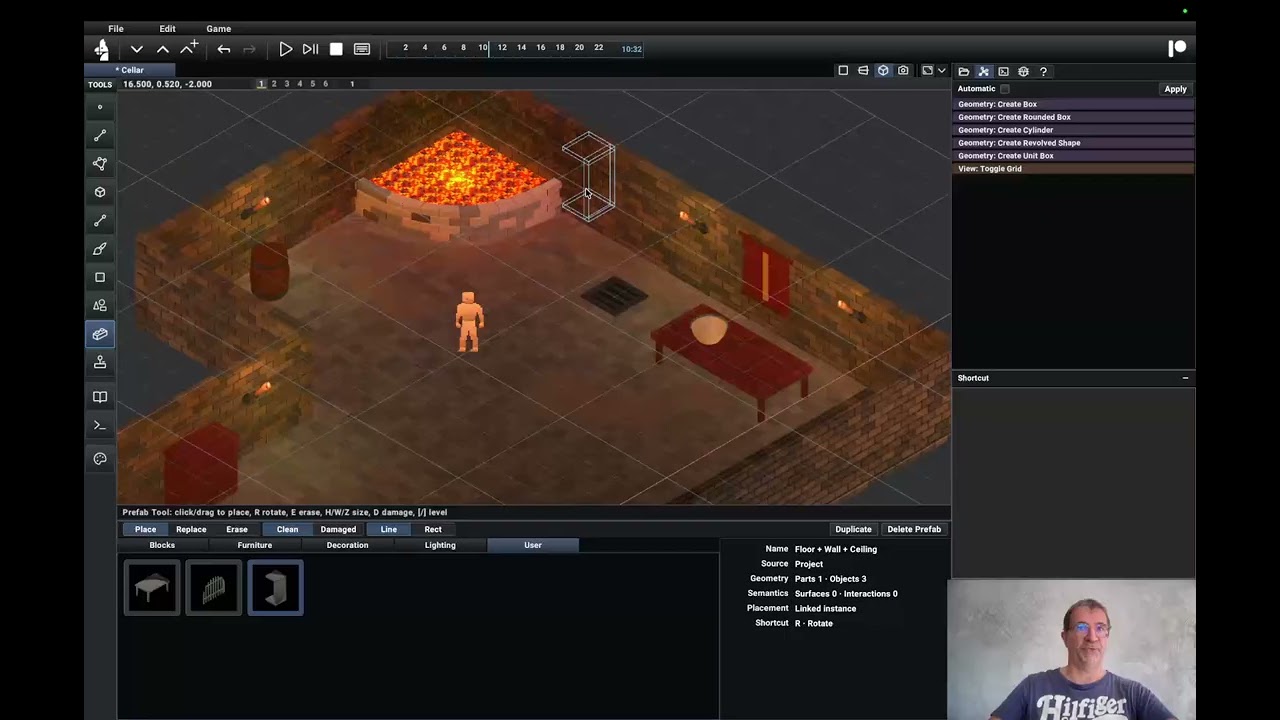
World Building
Choose how to build and explore your world. All modes share characters, items, rules, and visual Behavior Nodes.
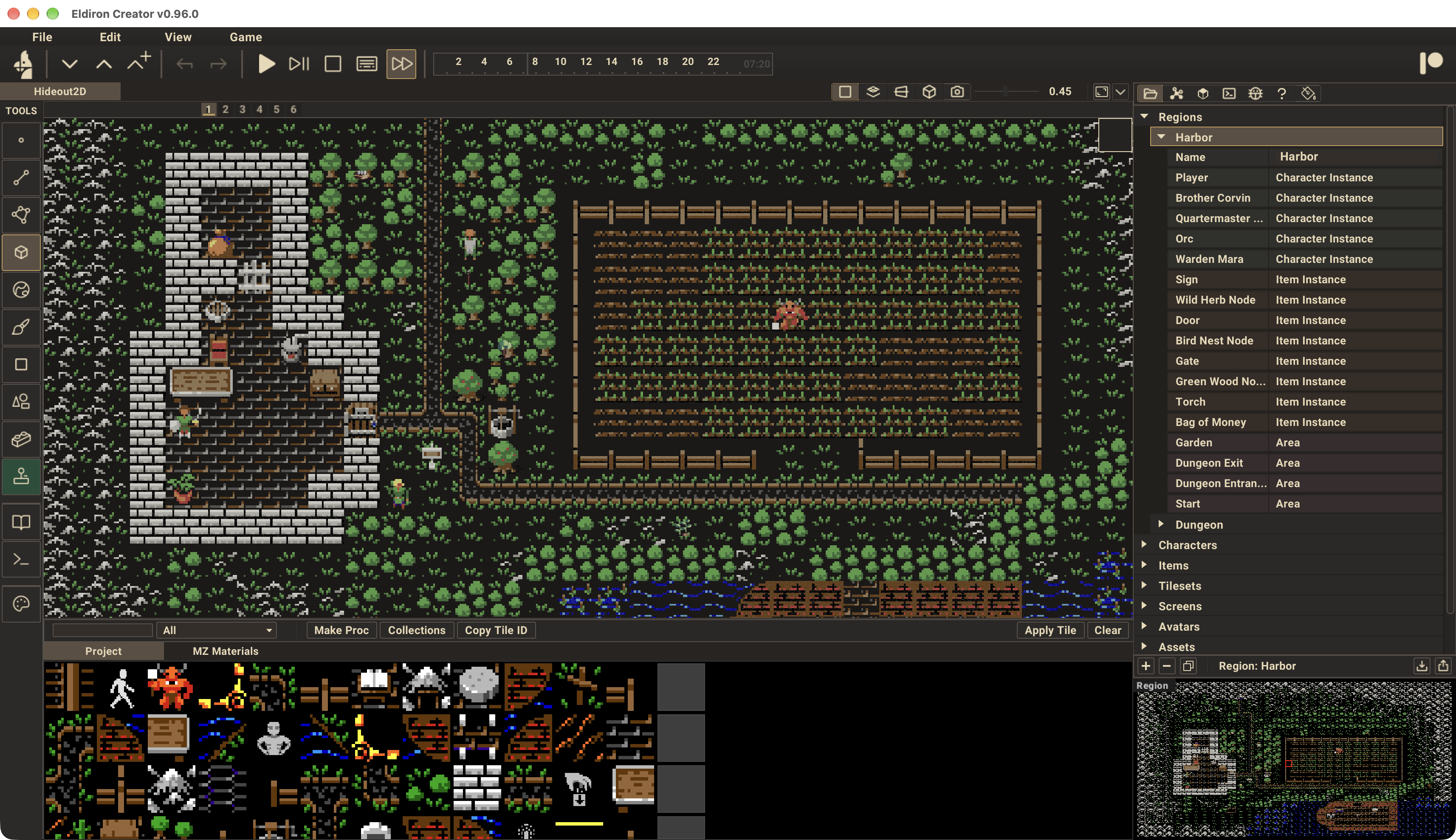
2D
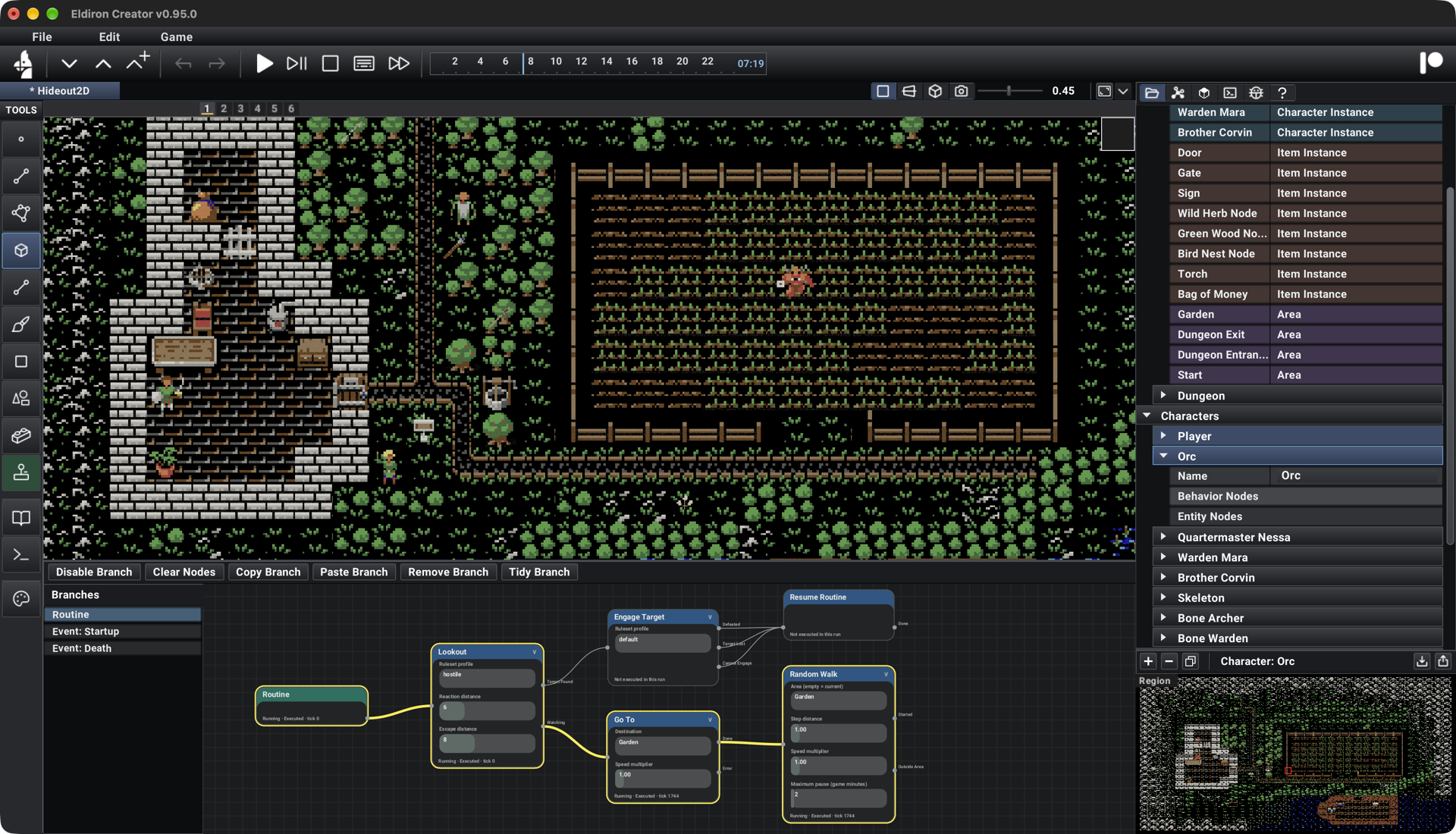
Import a tileset or create procedural MaterialZ materials, then paint them onto your region maps with the Rect tool. Place characters and items, configure them with Entity Nodes, and build interactions, dialogue, and combat with Behavior Nodes.
Explore 2D Workflow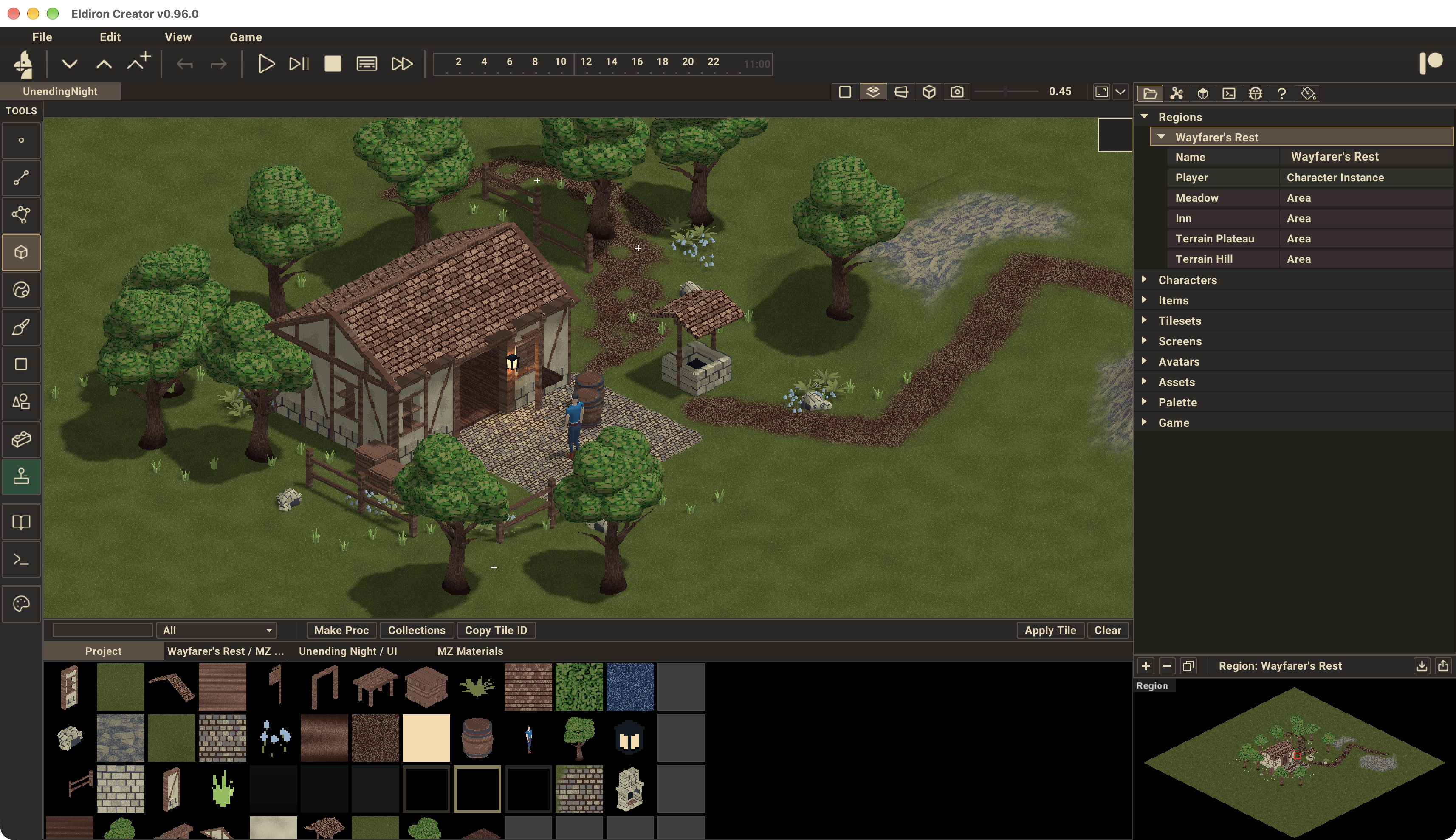
2D Iso · New in v0.96
New in v0.96, 2D Iso brings tile placement to an isometric grid. Import isometric tilesets or use procedural MaterialZ materials, then paint ground and place scenery with the Rect tool. Shape hills and plateaus, paint paths over the terrain, and add characters, items, and Behavior Nodes.
Explore 2D Iso Workflow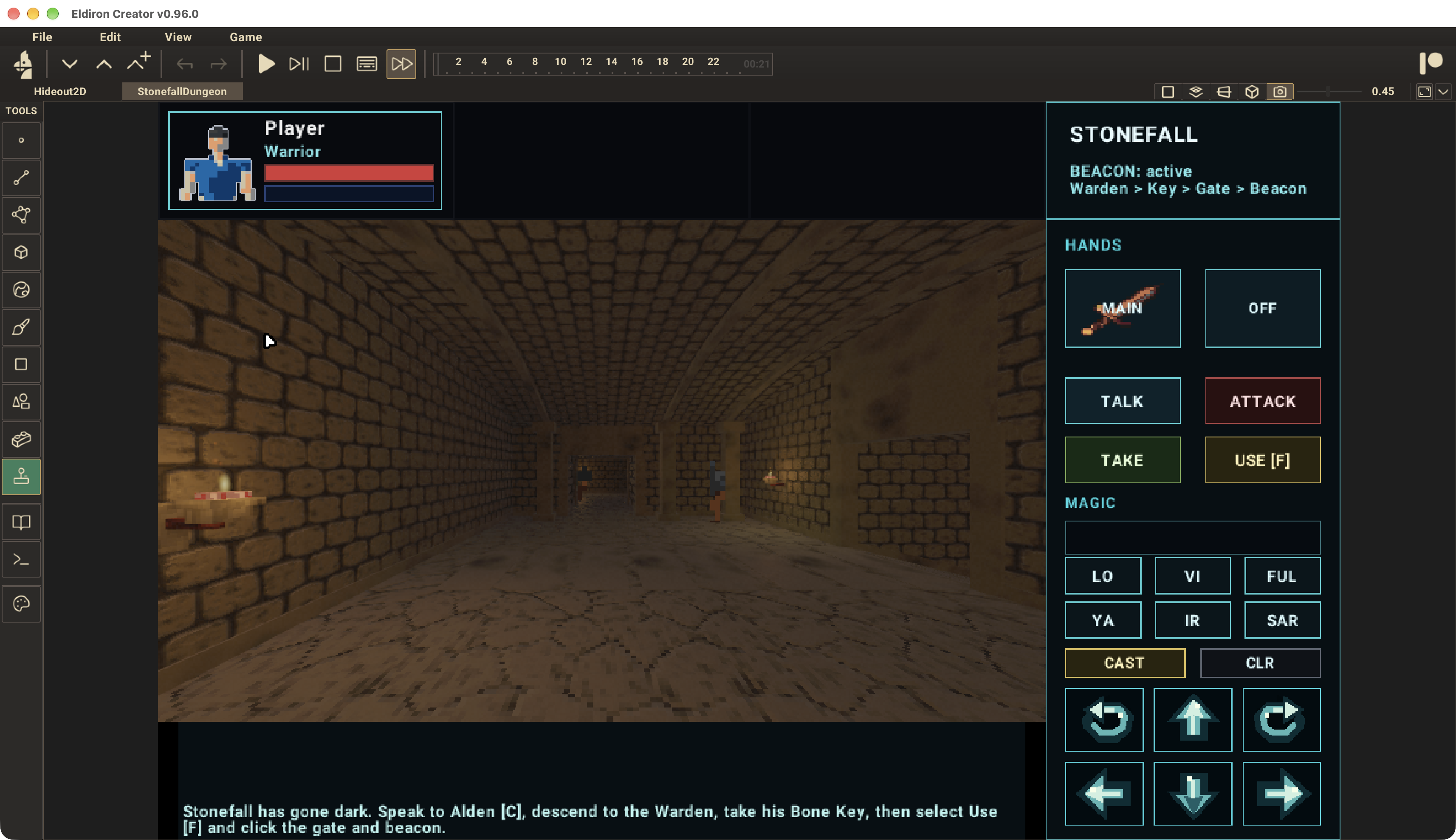
3D
Start with simple shapes and build your world by hand using the Object, Face, Edge, and Vertex tools. Extrude walls, cut doorways, sculpt terrain, and apply tiles or MaterialZ materials to surfaces. Place characters and items, add Behavior Nodes, and play in first person or from an isometric camera.
Explore 3D Workflow
Text
Draw named areas and connections on your region maps, then write descriptions for places, characters, and items in the Authoring dock. Configure player commands with Entity Nodes and create reactions with Behavior Nodes. Play through the terminal client with commands such as look, take, and talk.
Explore Text WorkflowTools for Your World
Build on a shared set of creative tools and gameplay systems. Materials, painting, and terrain tools support the visual workflows; nodes, rules, authoring, and localization also carry through to text play.
Configure characters, equipment, items, and player input with Entity Nodes. Connect events and actions in Behavior Nodes to create NPC routines, dialogue, quests, and interactions, with live feedback while your game runs.
Explore NodesDesign and customize game screens with Eldiron's map tools. The built-in UI already understands inventories, equipment, spells, and character actions, drawing icons, descriptions, costs, and cooldowns from your game data and ruleset. Adjust responsive layouts and artwork, or create your own widgets.
Explore Screens & UIStart with the bundled fantasy ruleset for races, classes, equipment, combat, spells, and progression. Edit definitions through the Rules editor so every character and client uses the same gameplay rules.
Explore the Ruleset EditorCreate editable procedural materials by combining shapes, noise, colors, and imported images. Layer and blend them into roads, floors, walls, and terrain, with shared palette colors and reusable recipes.
Explore MaterialZRaise, lower, and smooth the landscape with a brush, or draw editable guides for slopes, hills, and plateaus. Procedural ground materials and painted paths follow the terrain as you reshape it.
Explore Terrain ToolsPaint moss, dirt, cracks, puddles, and other details directly onto isometric terrain or 3D surfaces. Adjust brush size, opacity, and palette colors, or scatter organic stamps such as grass, flowers, and rubble.
Explore the Paint BrushBuild large regions without manually dividing them into separate maps. Eldiron loads nearby scene chunks, prepares surrounding chunks in the background, and unloads distant geometry as the player moves. This keeps rendering focused on the area being explored.
Explore Region StreamingChoose realtime play, turn-based steps, or a hybrid that advances on player actions and after an idle timeout. Set the pace independently of your game's camera or presentation.
Explore Game SettingsGive places, connections, characters, and items names and descriptions in the Authoring dock. Use that text for looking around in graphical games or exploring the same authored world through the terminal client.
Explore AuthoringKeep dialogue, quest text, combat feedback, and system messages in shared language tables. Reuse translated messages in rules and Behavior Nodes, with placeholders for character names, damage, and other game values.
Explore LocalizationA heartfelt thank you to everyone supporting Eldiron via Patreon and GitHub Sponsors. Your support helps me keep building and improving this project.