Creating 3D Maps: Terrain
The terrain system is still a work in progress.
Enable terrain for a region map in Region Settings. Terrain is only rendered in 3D camera modes.
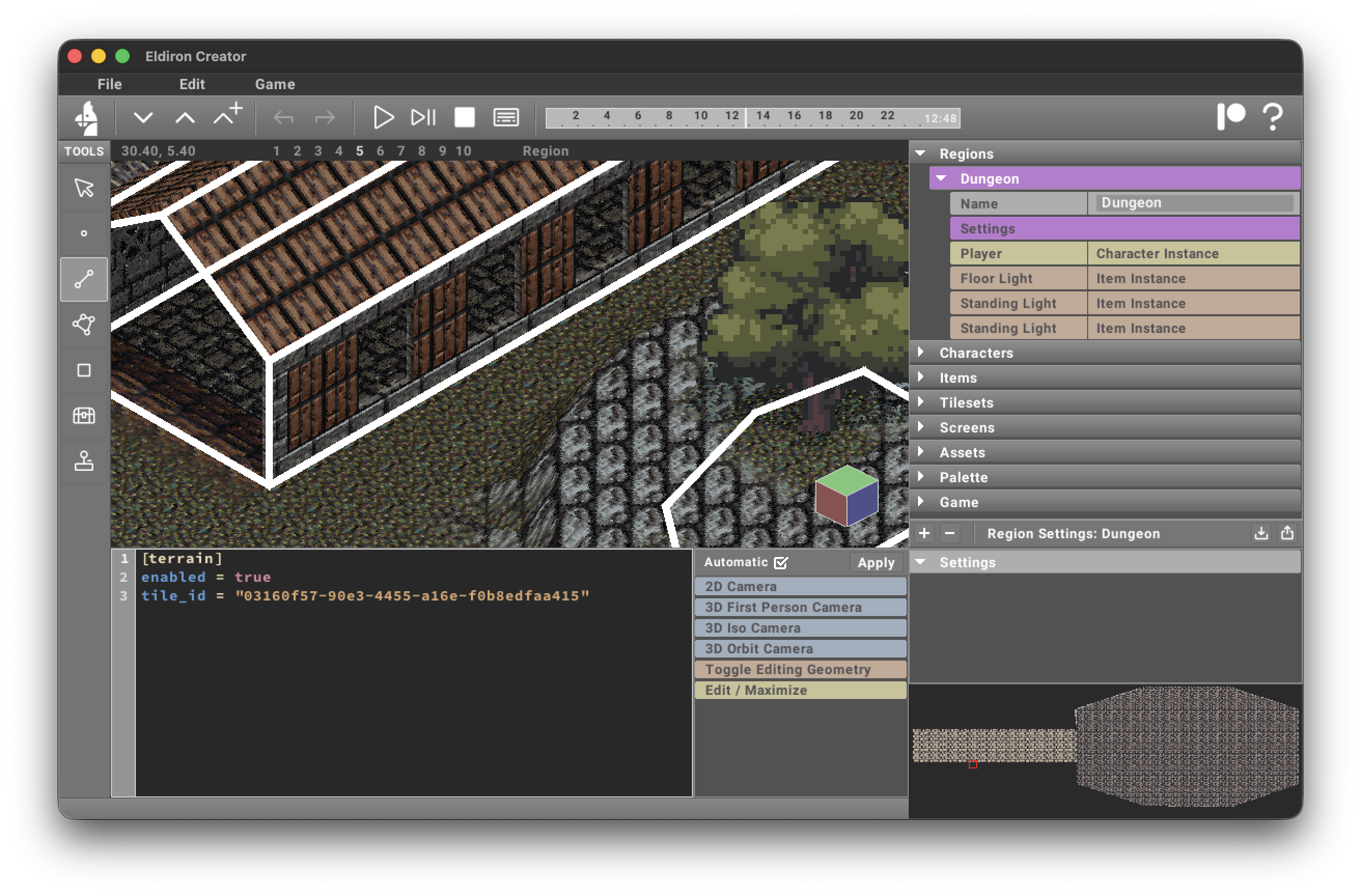
In the settings you can define a tile id for the default tile of the terrain.
For general Region Settings options (including preview hide filters), see Region Settings.
You can draw tiles on the terrain with the Rect tool, just as you would on any other surface.
By default the terrain is rendered as a flat surface. You can add surface detail using vertices, linedefs, and sectors.
Creating surface details
Vertices
Placing a vertex on the map and enabling its Terrain parameter makes that vertex a terrain control point. Vertices with y-values greater than zero create hills; negative values create valleys.
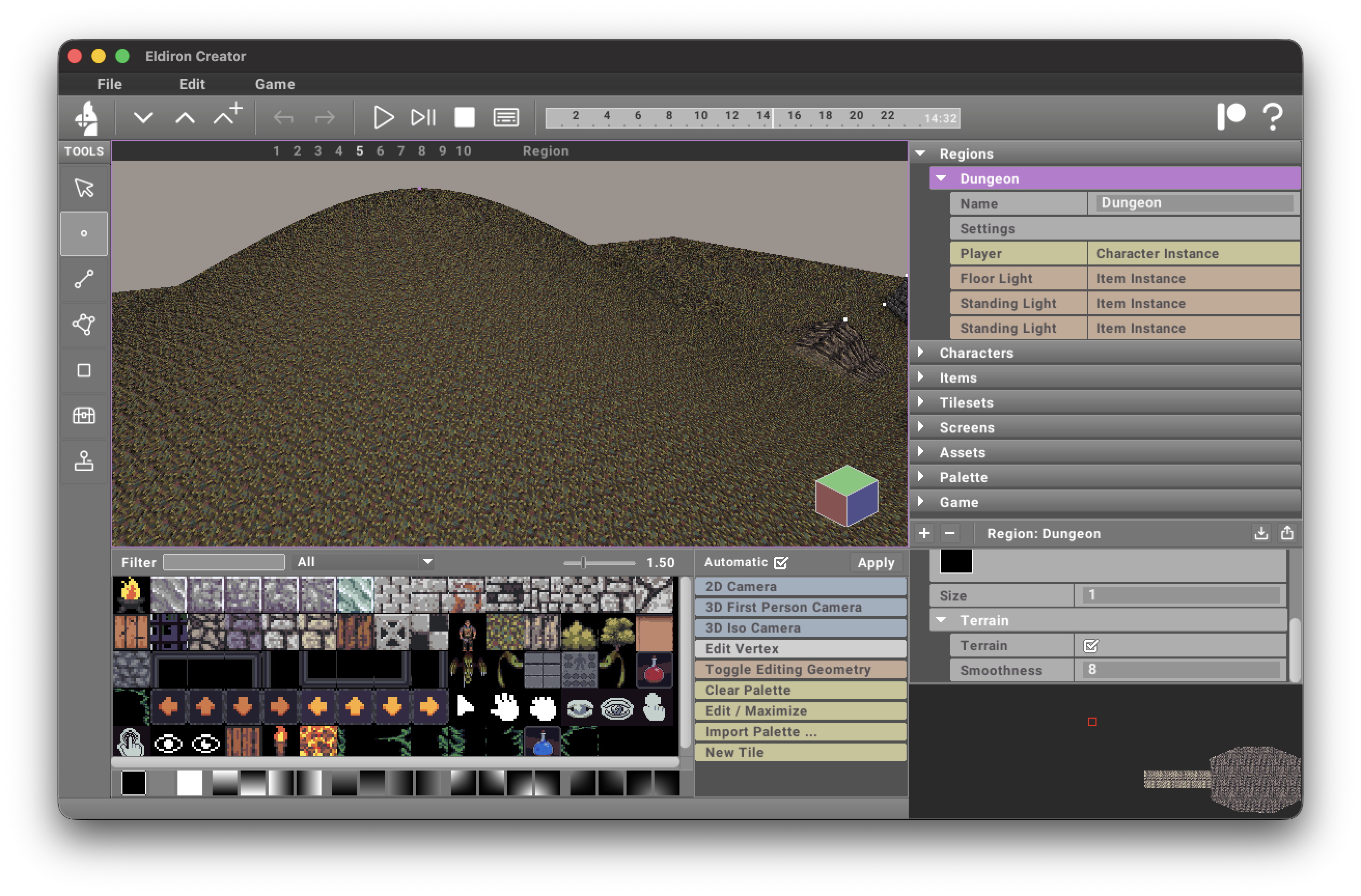
The Smoothness parameter controls how far this control point influences the terrain: higher values create broader, smoother features; lower values create tighter, localized features.
For terrain-control vertices, you can also set:
terrain_source— optional tile used for this hill/valley area.terrain_tile_falloff— blend distance (in tiles) outside the vertex hill radius.
As you move terrain-controlling geometry on the map, the terrain regenerates automatically, keeping the workflow non-destructive.
Sectors
Sectors have currently three possible Terrain Roles:
- None. The sector does not influence the terrain (the default).
- Exclude. Creates a hole in the terrain. Used for example for houses, selecting the ground floor sector of the house and enabling this terrain mode will cut a hole into the terrain for the house. Otherwise terrain geometry could be visible inside the house.
- Ridge. Creates a ridge like in the screenshot below. You can define the height, the size of the plateau, and the steepness of the falloff.
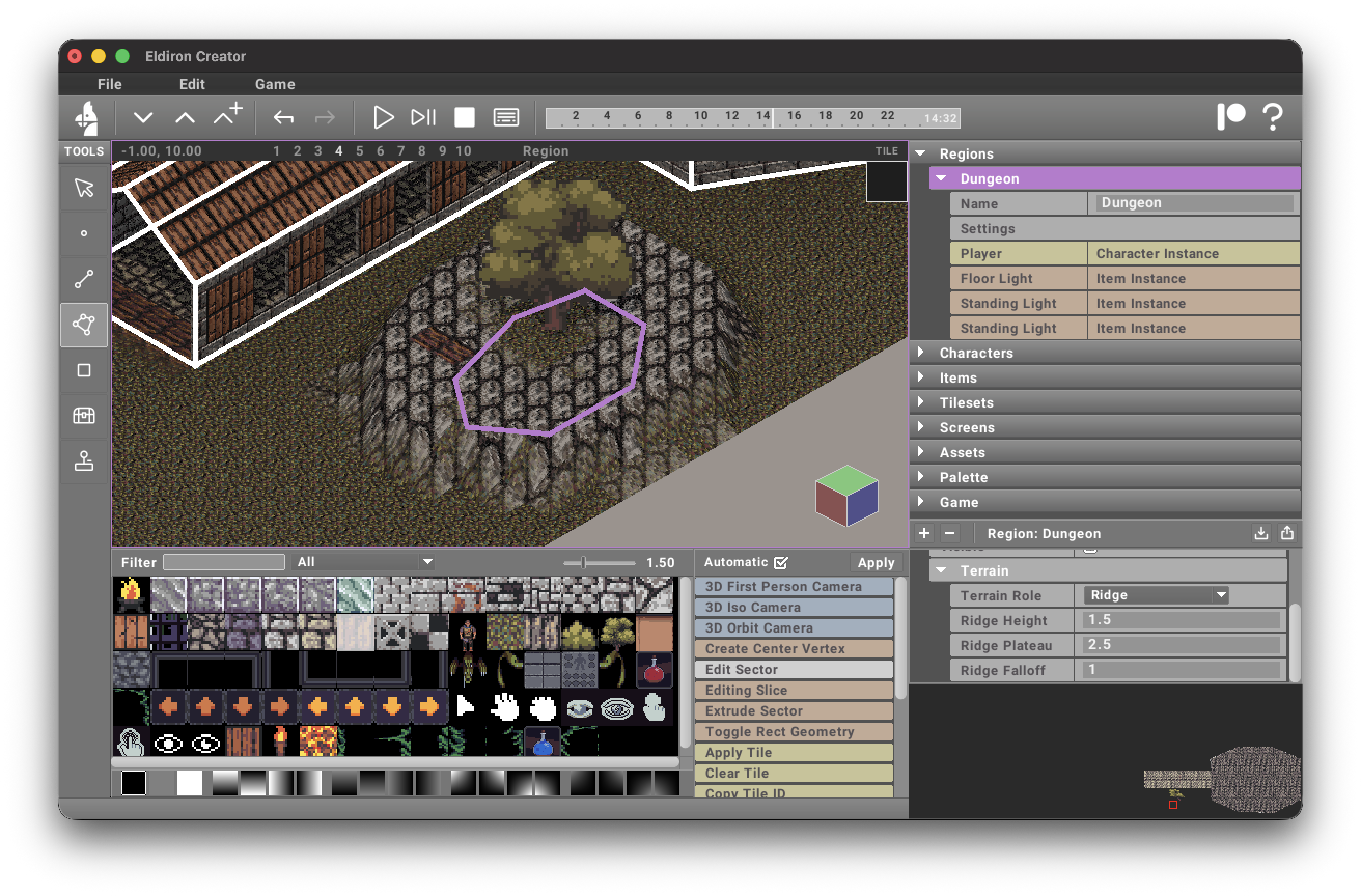
For Ridge sectors, you can also set:
terrain_source— optional tile used for ridge terrain texturing near the ridge edge.terrain_tile_falloff— blend distance (in tiles) from ridge plateau to surrounding terrain.
When terrain_source is set, ridge texturing overrides generic map blend tiles in that ridge area.
Linedefs
Linedefs can smooth terrain into road/path corridors.
In Edit Linedef (Region mode), open the terrain section:
terrain_smooth— enables linedef terrain smoothing.terrain_source— optional tile used to render the road corridor generated by this linedef.terrain_width— full-influence corridor width around the linedef.terrain_falloff_distance— extra blend distance outside the corridor.terrain_falloff_steepness— how quickly the blend falls off (higher = sharper edge).terrain_tile_falloff— texture blend distance (in tiles) used whenterrain_smoothis enabled.terrain_road_organic— organic road mask amount. Higher values add deterministic center wobble, width variation, noisy edges, and patchy breakup without changing the authored linedef.
Road height is interpolated from the linedef's start/end vertex heights (z), so you can create ramps by setting different vertex heights.
When terrain_source is set, the road tile is applied even if terrain_smooth is off.
When terrain_smooth is on, road edges blend into surrounding terrain using terrain_tile_falloff.
Terrain tile priority
When multiple systems affect the same terrain cell, the texture priority is:
- Manually painted terrain tiles (
tilesmap override) - Linedef road
terrain_source - Ridge sector
terrain_source - Vertex hill
terrain_source - Region default terrain tile
So manual painting always wins, and roads win over ridges.