2D or 3D Maps ?
You can create both 2D and 3D games with Eldiron. The difference is mostly in how maps are built and rendered; character, item, and screen behavior stay the same, so you don’t need to relearn anything when switching.
2D Games
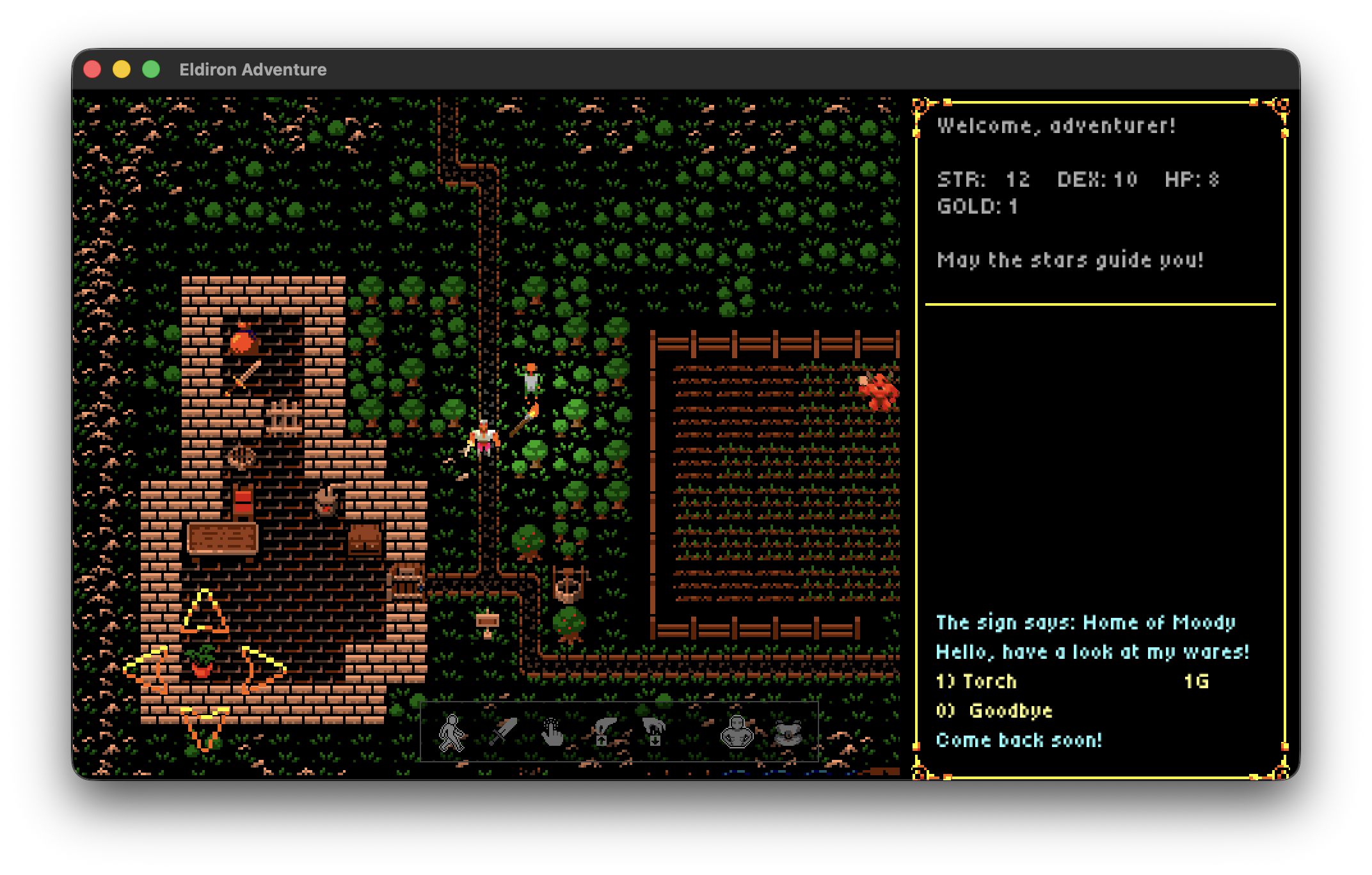
2D games use top-down tiles which are painted onto the map. This way you can create games similar to Ultima 4 and 5. Use this mode when you want to create tiles in a rectangular grid.
2D games support light sources and day / night time simulation and more.
The screenshot above shows the Hideout 2D example game created with Eldiron. You can play it online.
3D Games
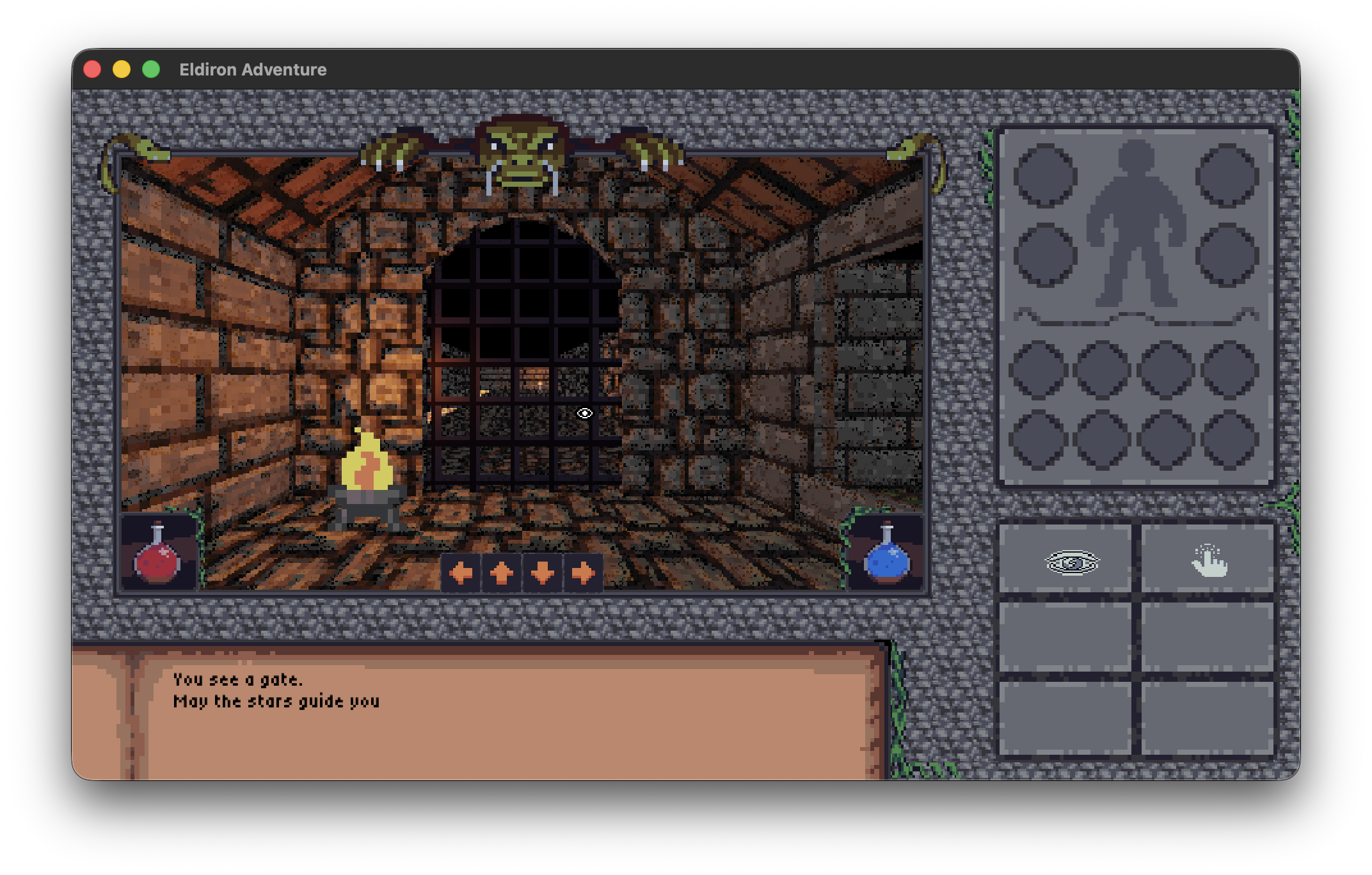
Eldiron has inbuilt 3D editing to create dungeons, towns, houses and props directly inside the editor. Other 3D features include day / night time simulation, isometric and first-person cameras, and powerful 3D rendering.
Tiles, Art Palette entries, and geometry objects in 3D support preset-based render materials and can be painted onto editable geometry surfaces.
3D maps use editable Geometry Objects as the main construction model:
- The Object Tool selects and transforms whole 3D objects.
- The Vertex Tool edits object vertices.
- The Linedef / Edge Tool edits object edges and draws surface lines for ridges, grooves, and cutouts.
- The Sector / Face Tool edits object faces and surface tiles.
The 3D editor works with Geometry Objects. Existing 2D linedefs are shown as a faint floor-plane reference overlay, and the 2D map data can still be useful for gameplay zones, triggers, and minimaps.
For the direct geometry workflow, see Creating 3D Maps: Geometry.
The camera you choose for your game defines the perspective, you can either use a configurable orthographic / isometric camera or a first person camera.
Eldiron always uses non-perspective tiles in 3D. Some engines support pre-rendered isometric tiles; Eldiron does not. Instead, you build the isometric look with geometry plus tiles, viewed through an isometric camera—far more flexible than stitching isometric tiles together.
The 3D Paint Tool adds persistent surface-space detail directly to 3D geometry. Use geometry for collision and structure, then paint moss, cracks, dirt, grass, puddles, stamps, and generated patterns onto its surfaces. The result remains attached to the scene in isometric, orbit, and first-person cameras.
The following chapters cover 2D map creation and direct 3D geometry.