Creating 2D Maps
2D maps are mostly created using the Rect tool. It allows you to draw tiles directly onto the map by creating a rectangular sector and applying the currently selected tile to it.
The Rect tool in action.
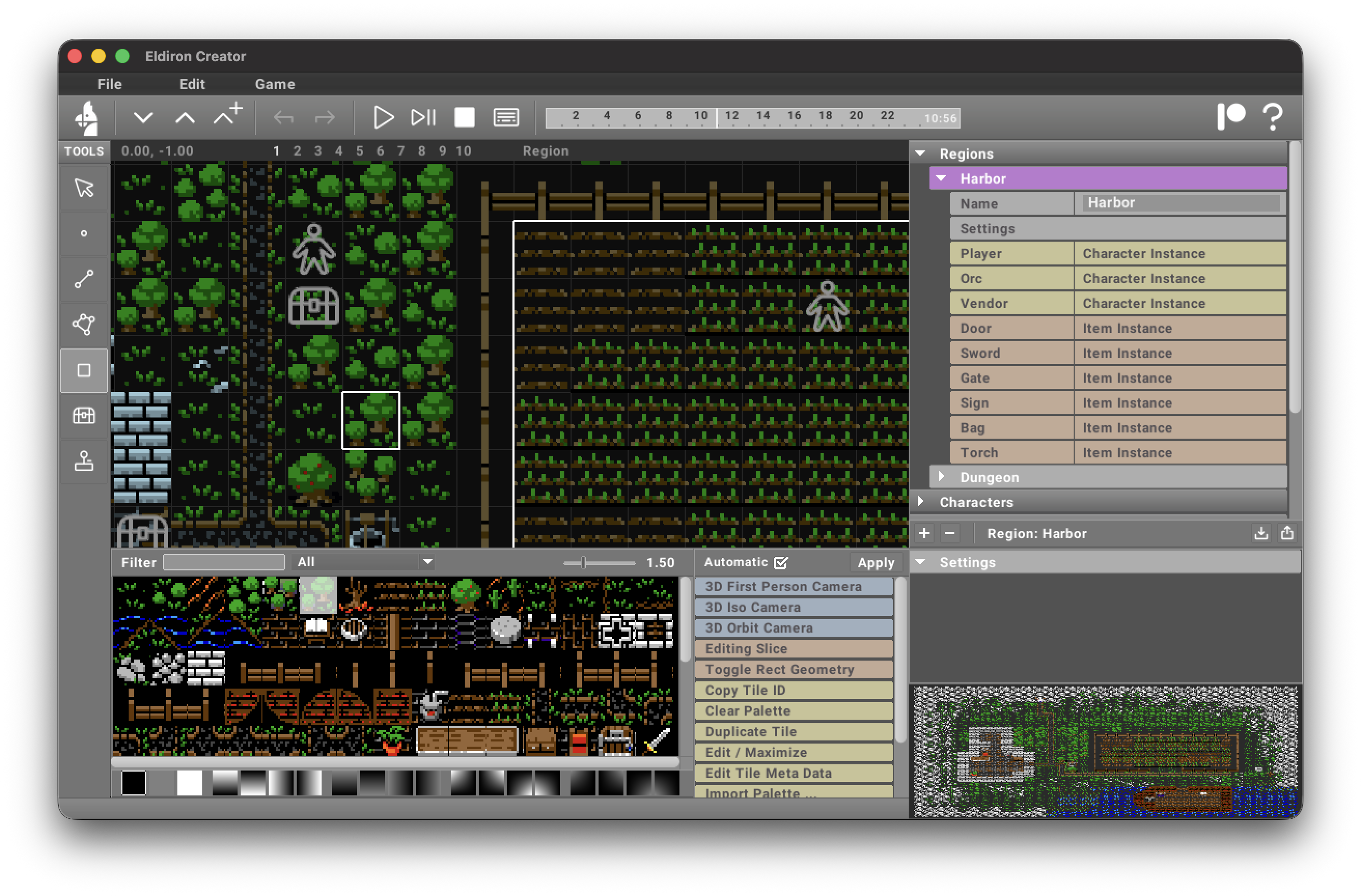
The Rect tool does not layer tiles. When you draw over an existing tile, the tile will be replaced with the new tile. Hold Shift while drawing to erase, and hold Cmd/Ctrl to draw straight lines.
Blocking Tiles
One important difference between 2D and 3D maps is how to create blocking areas, i.e. areas or tiles characters cannot enter. In 3D these are defined by the height of the surrounding 3D geometry, like a wall. But we do not have 3D heights in 2D maps, making it necessary to define exactly which tile is blocking and which is not.
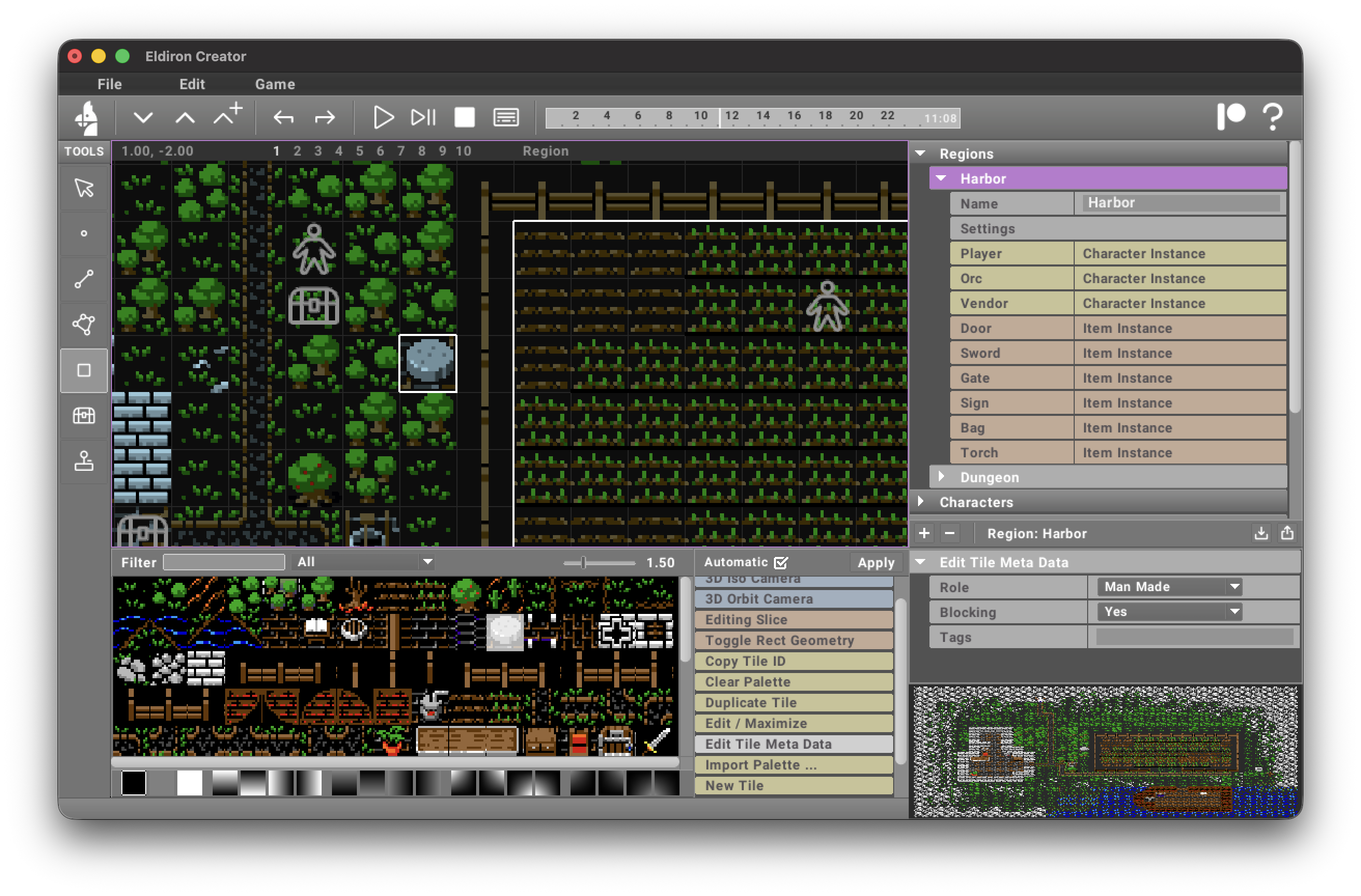
We can do this with the Edit Tile Meta action, select Yes / No for the Blocking state (default is not blocking). Dont forget to click Apply if you do not have the Automatic mode turned on.
The blocking state for tiles is ignored in 3D maps.
Named Sectors
Apart from drawing the visual appearance via the Rect tool, it is still important to create named sectors on the map (using the Linedef tool) for game logic.
Named sectors (i.e. sectors which have a name), can be used in many different ways:
- The
random_walk_in_sectorcommand randomly walks NPC characters inside a given sector. - The
gotocommand uses pathfinding to walk an NPC character to the given destination sector. - When a character enters or leaves a sector, an entered or left event is send to the character with the name of the sector (allowing the character to take specific action).
For example the "Garden" sector shown in the above screenshots (the white outlines) is used to randomly walk an Orc who is looking for the player. And if he killed the player and is outside the garden walks back to the garden via goto, once back there he receives an arrived event and can resume his normal routine.
Moving a Decorated Sector
Sectors have another important feature. When you draw tiles for decoration inside the sector (lets say a house), you can move the sector (with all subsectors and tiles) by holding Cmd/Ctrl in the Sector tool. This allows you to create objects on the map which you can move all at once when the map changes.