Screens
Screens are special maps that define the visible area of your game, i.e. your game UI.
Design screens with the same map tools you already use:
- Linedef Tool and Sector Tool: carve areas, name sectors to turn them into widgets.
- Rect Tool: add background decorations.
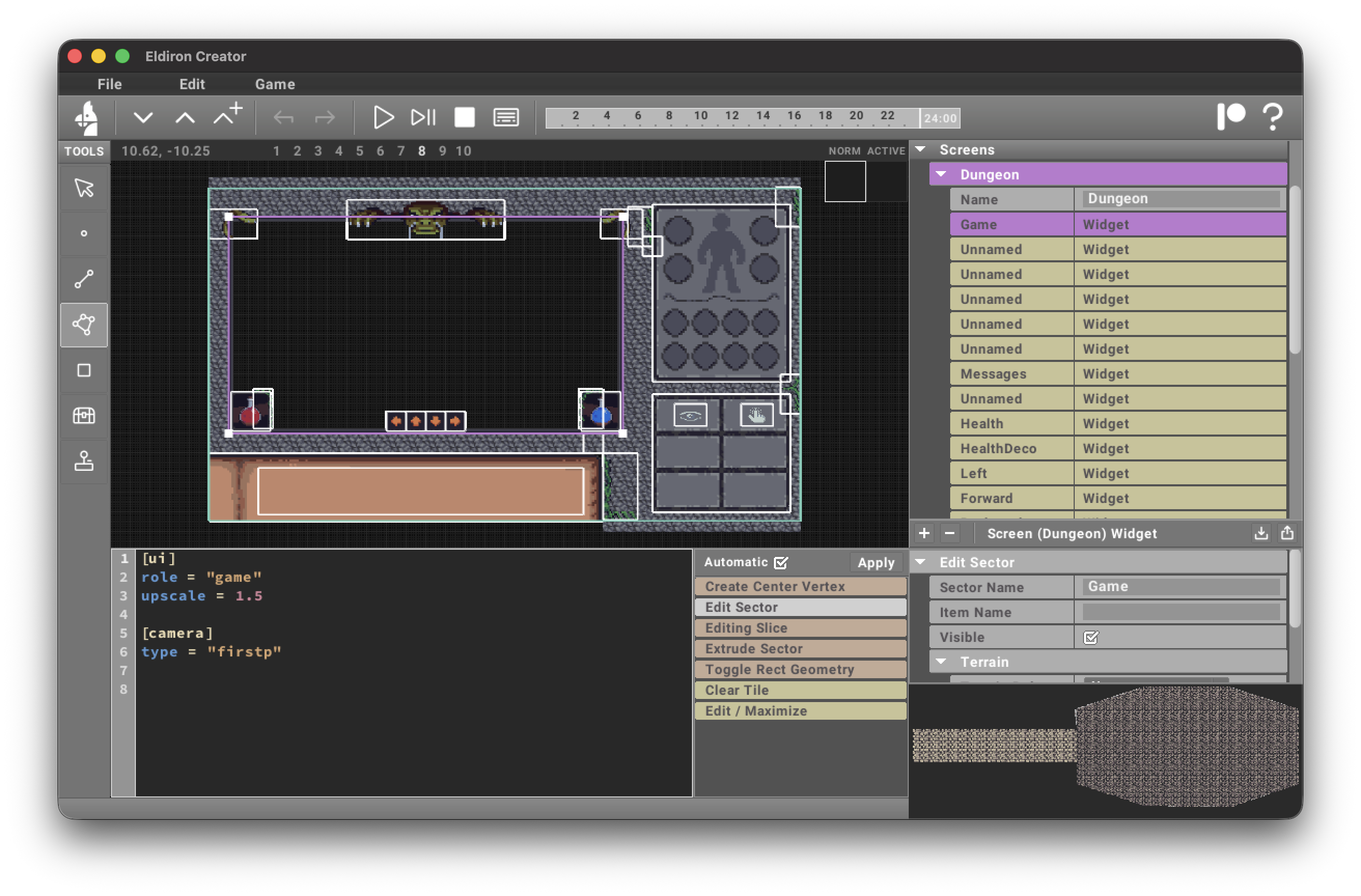
Each sector shows up as an item in the project tree; selecting it opens the widget editor where you can set the role and configure widget attributes (see widgets).